SmartFoxie / Residential Operating System

Run the property, resident services and connected infrastructure from one platform.

SmartFoxie connects residential complexes, buildings, apartments, residents, devices, access, requests and services in one operational model for developers and property managers.

SmartFoxie CRM and resident application connected through one property model
One app connected to the resident’s actual home.

What SmartFoxie Includes

One platform for the property team and the resident.

The same residential model connects web operations, the resident app, devices and access, communication and additional residential services.

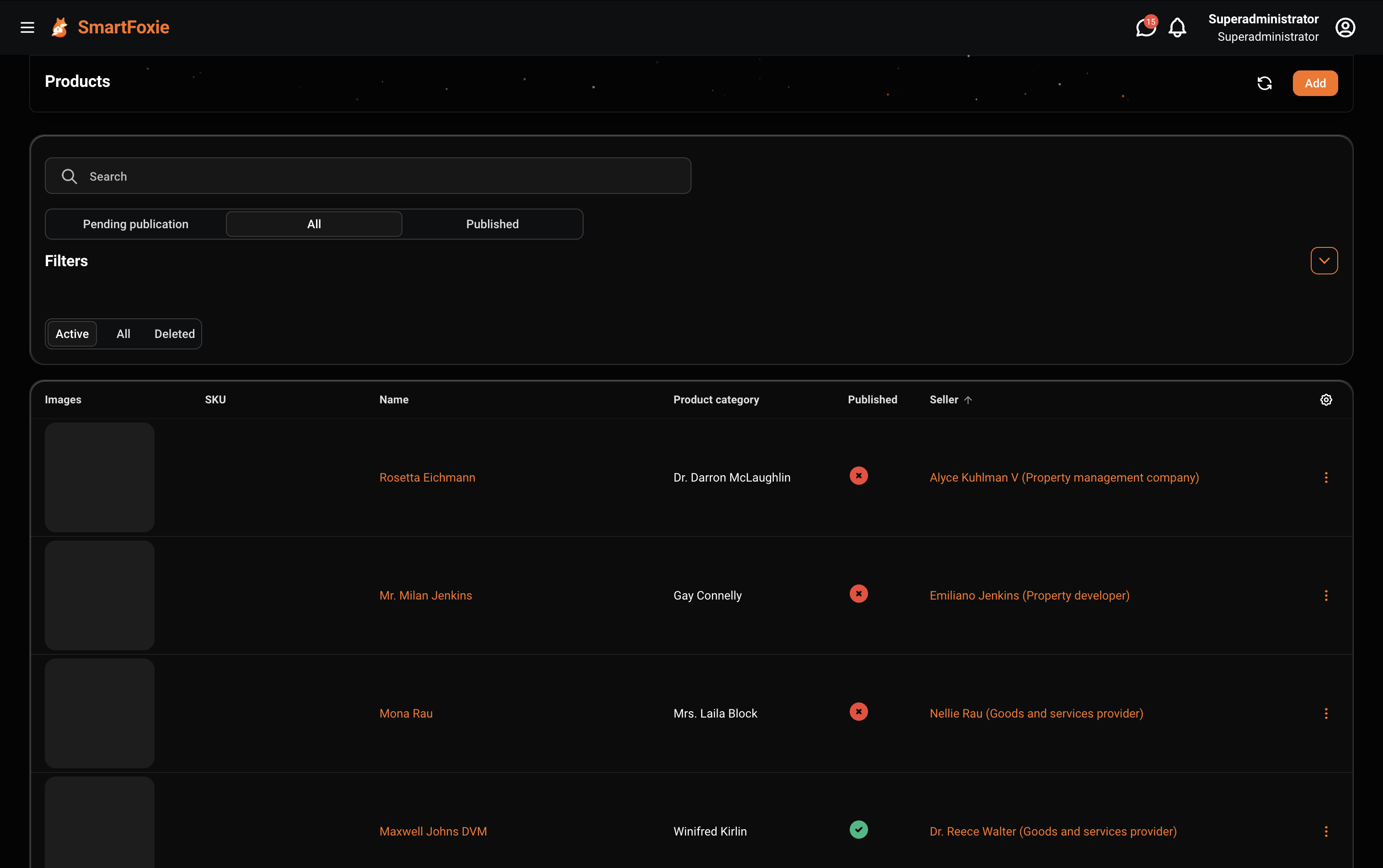
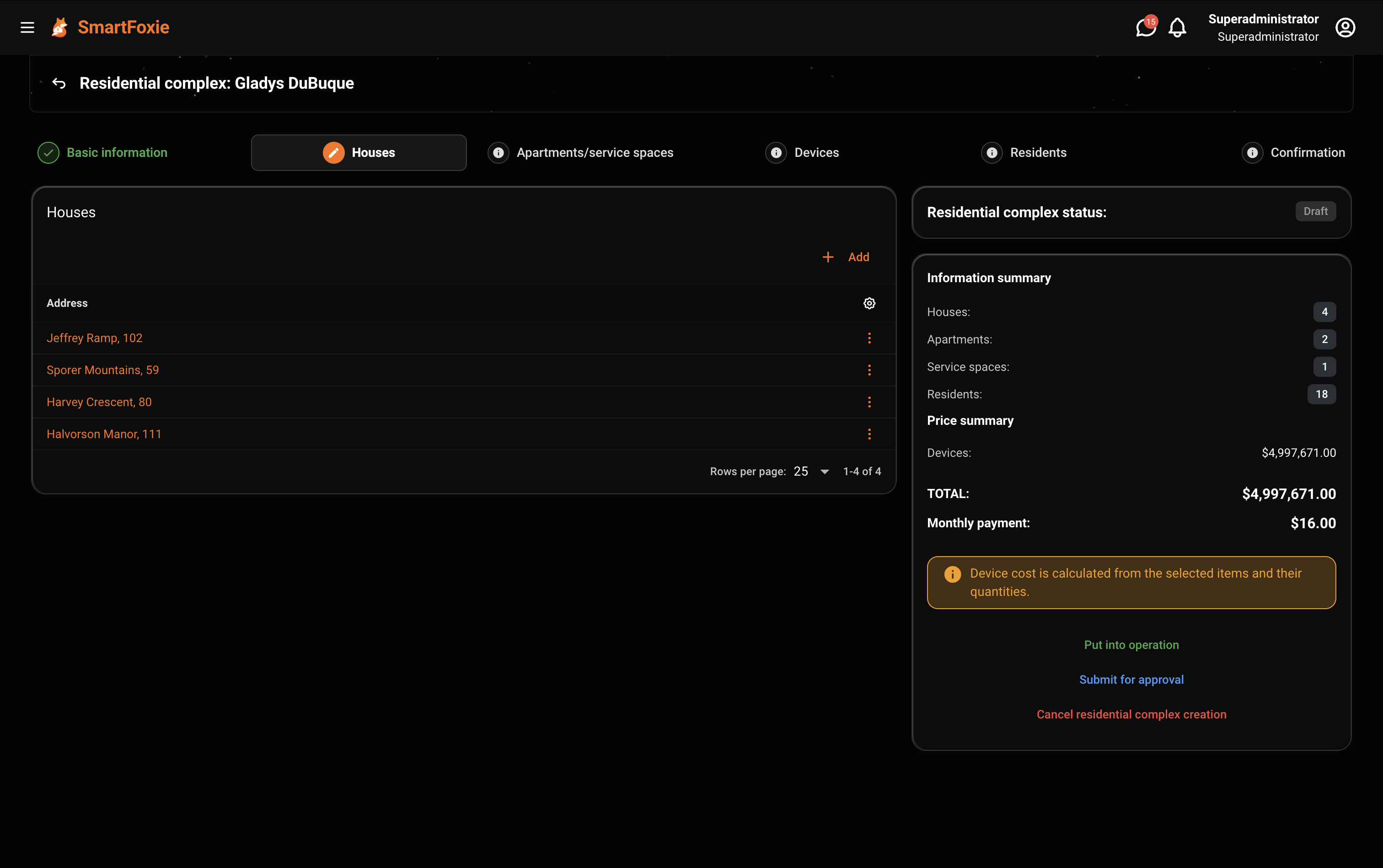
SmartFoxie workspace showing the structure of a residential complex
Connected devices
Available
  1. 01
    Web operations

    Manage complexes, buildings, apartments, residents, organizations, roles, devices, requests, content, surveys and other implemented operational modules in one workspace.

  2. 02
    Resident app

    Give residents one place for the functions available in their home: devices, access, cameras, intercom, requests, building information and residential services.

  3. 03
    Connected infrastructure

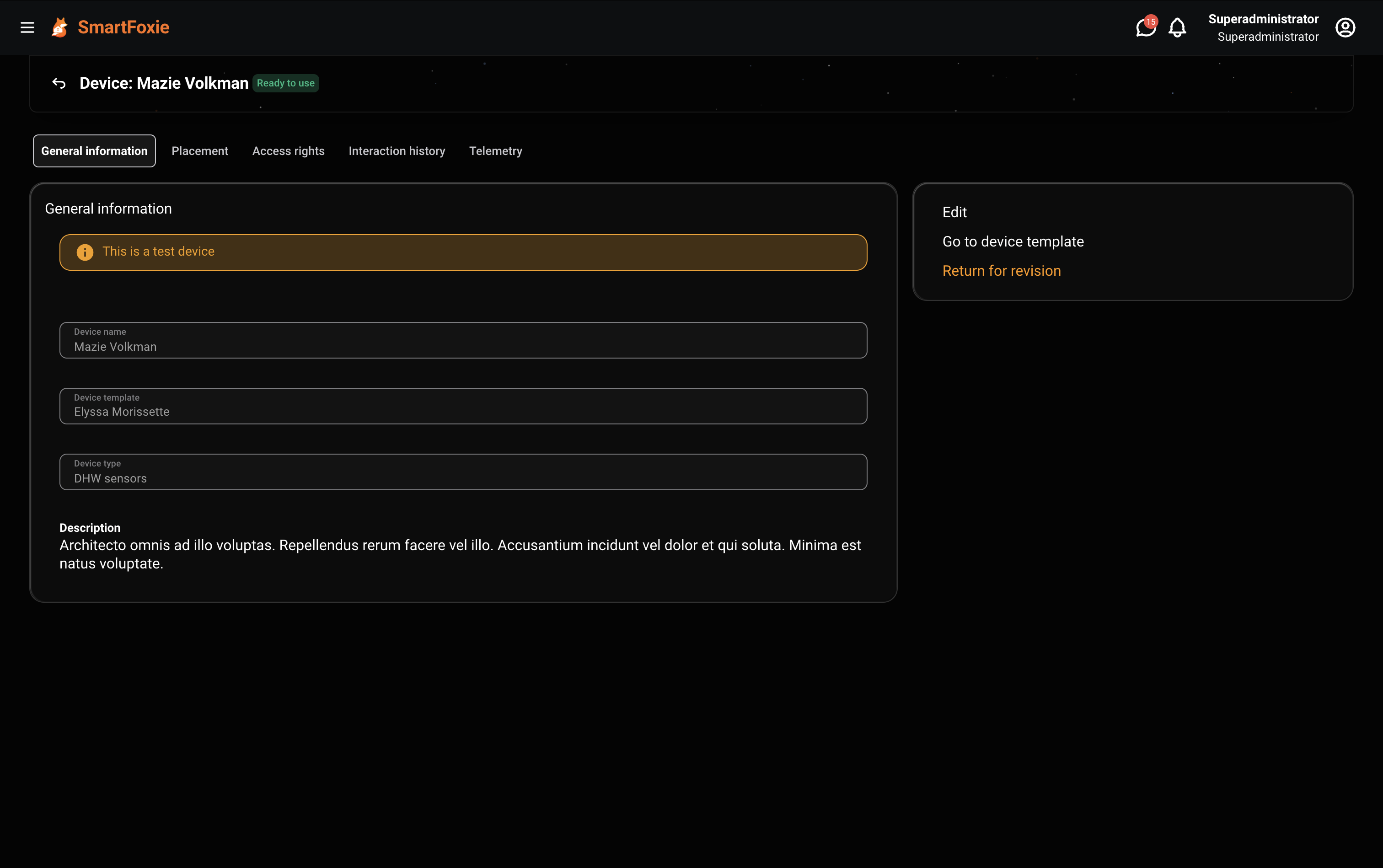
    Attach devices to the complex, building or apartment they serve and define which residents or groups can use their available actions.

  4. 04
    Operations

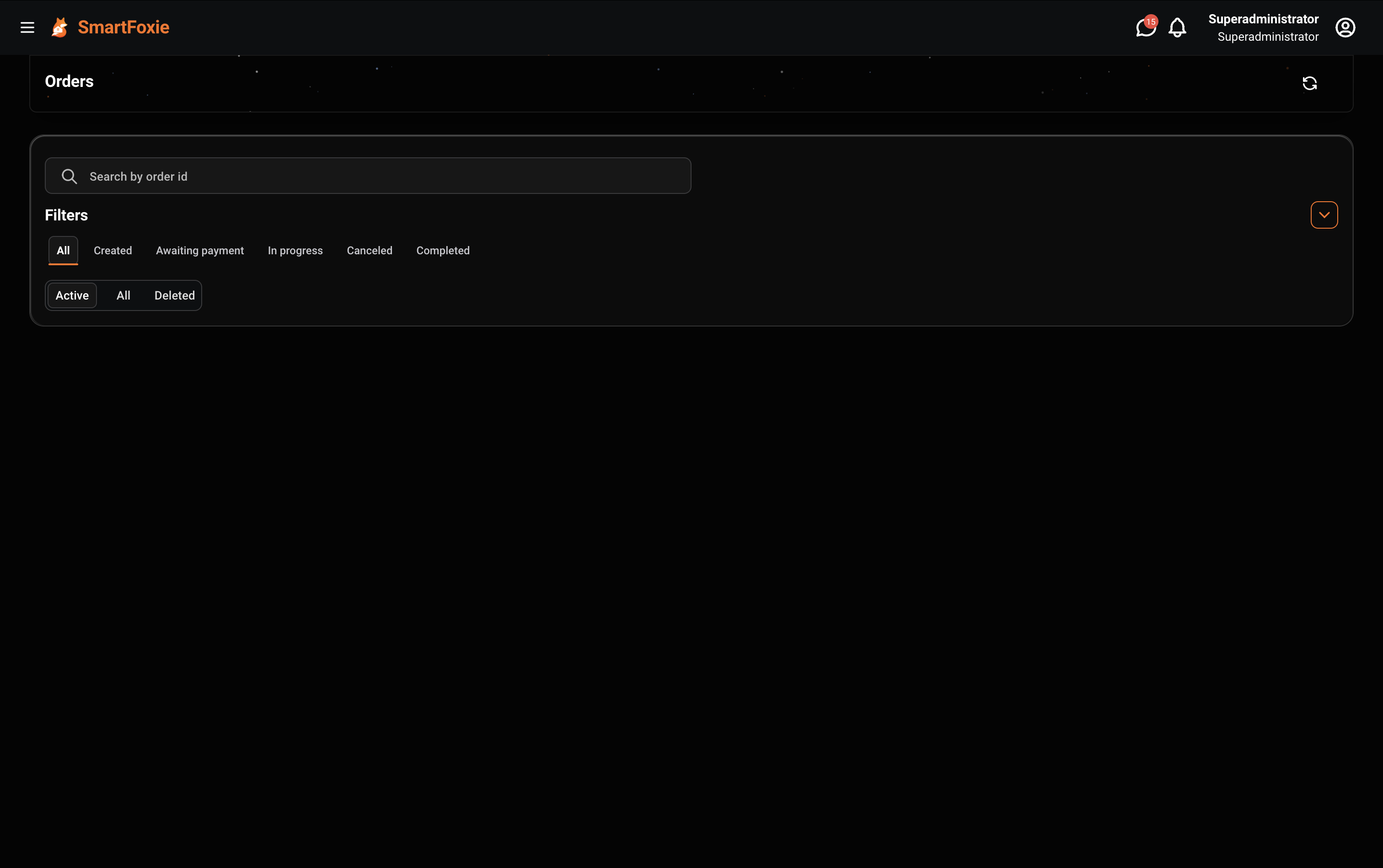
    Keep requests, resident communication, content and device activity connected to the property context behind each action.

  5. 05
    Marketplace & services

    Extend the platform with property-aware products, services and order workflows without making commerce a disconnected separate system.

Why One Residential Model

One property should not need a separate data model for every system.

Resident apps, access control, IoT, requests, communication and commerce refer to the same buildings, apartments and people. SmartFoxie gives these workflows a shared property context.

Resident App
Access
IoT
Requests
Communication
Marketplace
SMARTFOXIESmartFoxie Residential Model
  • Residential Complex
  • Building
  • Apartment or space
  • Resident or group
  • Device
  • Permission / available actions
  • Operational event or service
Operating layerShared operational context

One Residential Model

Buildings, apartments, residents and devices are connected — not stored as unrelated lists.

A device belongs to a real place. A resident belongs to a real apartment. Permissions define what actions are available. Requests, content and services can use the same context.

SmartFoxie Residential ModelA device belongs to a real place. A resident belongs to a real apartment. Permissions define what actions are available. Requests, content and services can use the same context.1Residential Complex2Building3Apartment or space4Resident or group5Device6Permission / available actions7Operational event or service

SmartFoxie Residential Model. A device belongs to a real place. A resident belongs to a real apartment. Permissions define what actions are available. Requests, content and services can use the same context.

  1. Residential Complex
  2. Building
  3. Apartment or space
  4. Resident or group
  5. Device
  6. Permission / available actions
  7. Operational event or service
  1. 1Residential Complex
  2. 2Building
  3. 3Apartment or space
  4. 4Resident or group
  5. 5Device
  6. 6Permission / available actions
  7. 7Operational event or service

Connected infrastructure

Connect infrastructure to places, people and operational workflows.

Cameras, intercoms, locks and sensors become part of the property’s digital structure. SmartFoxie keeps every device connected to its location, available actions and the people allowed to use them.

01 · PropertyComplex, building or apartment
02 · DeviceCamera, intercom, lock or sensor
03 · AccessResident or groupPermitted actions
04 · OperationsState, events and maintenance
Operations in the Real Product

Operate the property in the same structure in which it was configured.

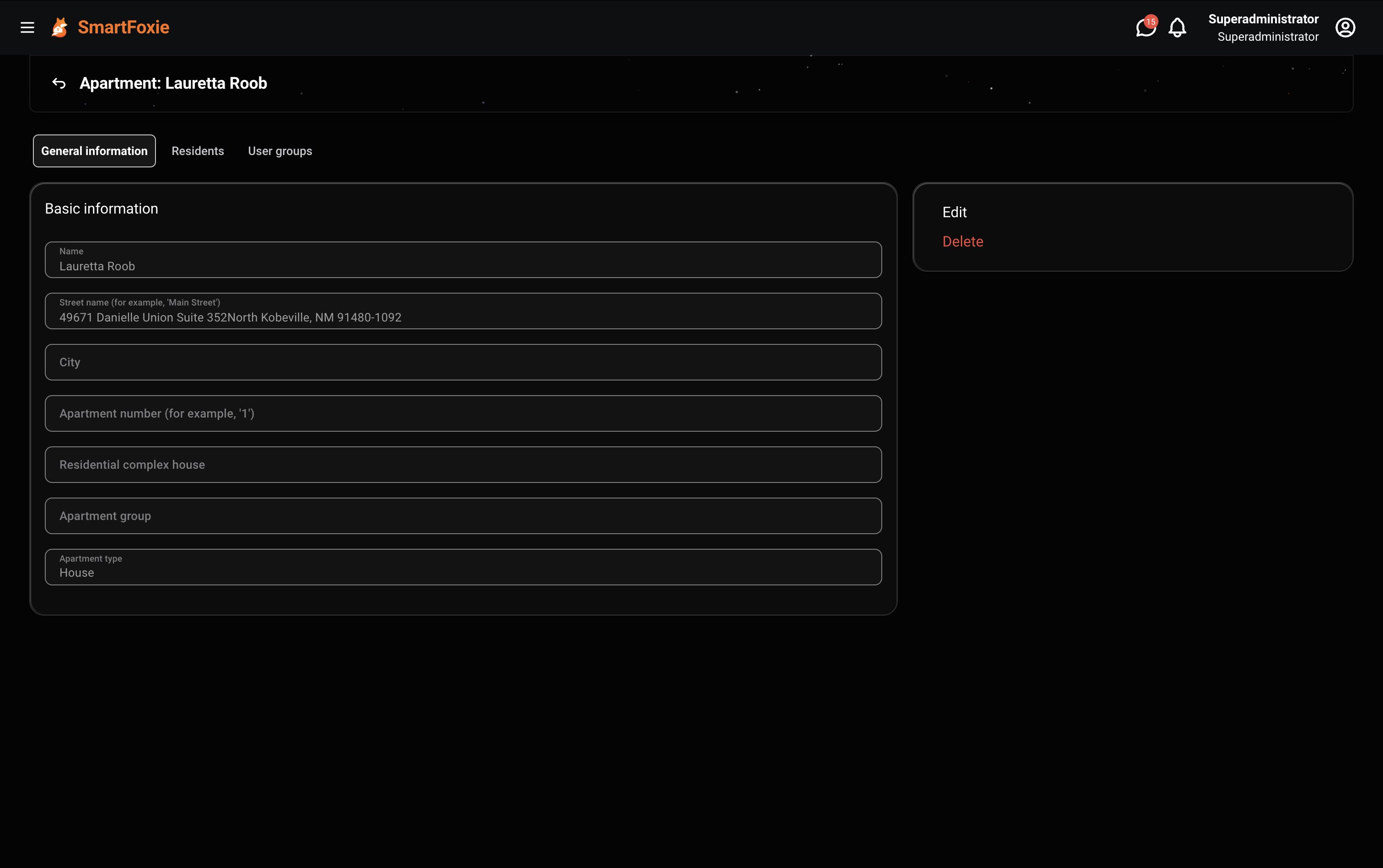
Open a residential complex, move to a building or apartment, see the residents and devices connected to it, and work with operational modules without losing property context.

Available
Property structure
01
Property structure

Complexes → buildings → apartments and service spaces.

Residents and permissions
02
Residents and permissions

Connect residents to apartments and organizations; manage access through roles, groups and permissions.

Connected devices
03
Connected devices

Assign equipment to the complex, building or apartment where it operates.

Daily operations
04
Daily operations

Use the same platform context for implemented requests, content, surveys, marketplace and developing order workflows.

Commerce and services

In Development

Offer products and services in the residential context.

SmartFoxie's marketplace layer can scope product availability and pricing by location or residential complex. Seller-aware orders and item processing remain in development.

Offer products and services in the residential context.

Resident App

One app connected to the resident’s actual home.

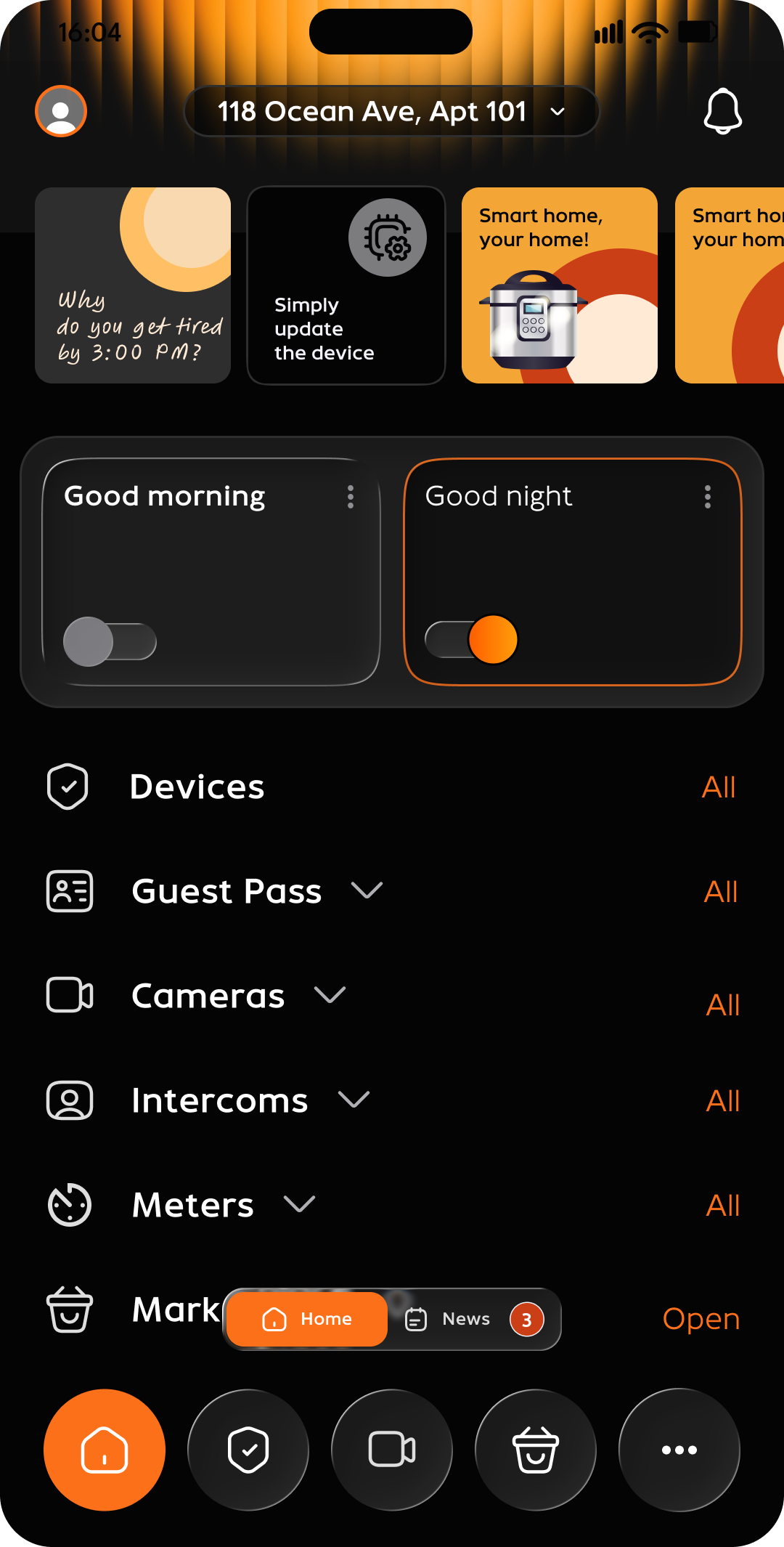
The resident sees the spaces, devices, permissions and services available to them. SmartFoxie can bring device control, access, cameras, intercom, requests, community information and residential services into one app.

In Development
Your community. Your brand.Powered by SmartFoxie.
  • 01Devices
  • 02Access
  • 03Cameras
  • 04Intercom
  • 05Requests
  • 06News and surveys
  • 07Meter readings
  • 08Groups
  • 09Messaging
  • 10Calls and barrier or gate opening where supported
  • 11Guest passes
  • 12Bill payments
  • 13Marketplace and services
SmartFoxie resident application home screen
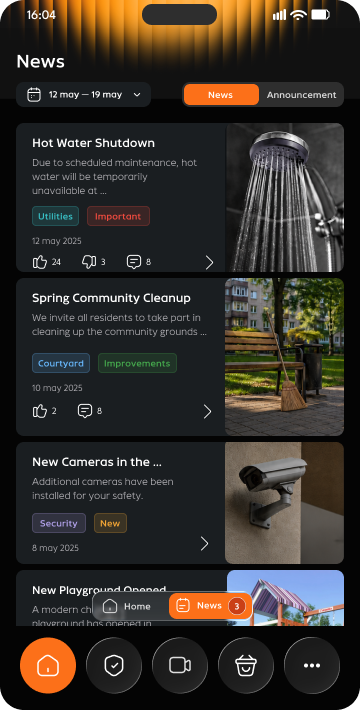
SmartFoxie resident application news screen

Who Works With SmartFoxie

One property model supports three different jobs.

SmartFoxie workspace showing the structure of a residential complex
Developers

Prepare the digital structure of a project before handover, connect supported infrastructure and launch resident services without commissioning every software layer as a separate project.

  • Configure the property hierarchy
  • Map supported building systems
  • Carry the model into operations

Product Vision

See operational data where it actually happens.

The Digital Twin vision places device states, warnings and operational events back into spatial context: building → floor → apartment → device. An operator can move from an alert to the physical context behind it.
Product Vision
4 buildings862 apartments1,940 devices
Building B
Units216
Devices486
Online479
Warnings7
Apartment 411Water Sensor · Leak detected

In Development — AI Configuration

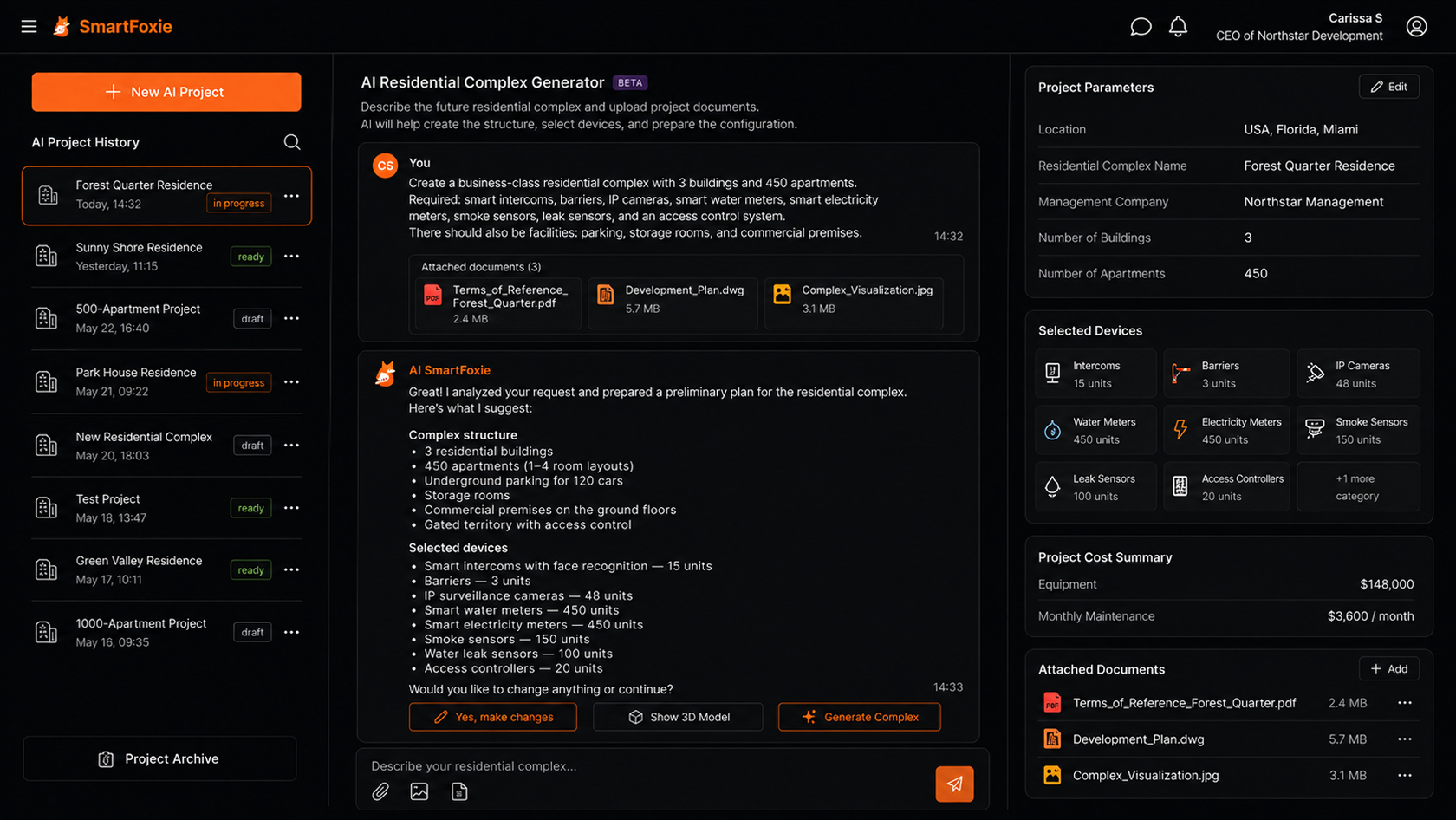
Turn project documentation into a SmartFoxie configuration draft.

In Development

The planned AI workflow analyzes project documentation, proposes the residential structure and device configuration, and prepares a draft for an operator to review before deployment.

Input / source
  1. 01Project documentation
  2. 02Property structure
  3. 03Device configuration
  4. 04Operator review
Turn project documentation into a SmartFoxie configuration draft.
SMARTFOXIE AIReview required before deployment

Integrations

Connect building systems to the property model.

Map devices and building systems to complexes, buildings and apartments, then surface their data and actions through CRM and resident workflows.
  • Smart Locks
  • Intercoms
  • Cameras
  • Gates
Operating layerSmartFoxieAPI / events / workflows
  • Meters
  • IoT Sensors
  • Payment Providers
  • Property Systems

Product demo

See SmartFoxie working with a real residential structure.

Explore the CRM, property hierarchy, connected-device model and resident-facing design. Concept and future-facing screens are labeled separately.
  1. 01Dashboard
  2. 02Residential Complex
  3. 03Apartments
  4. 04Devices
  5. 05Access
  6. 06Marketplace
  7. 07Resident application
Pilot

Bring one residential project into SmartFoxie.

Tell us how the development is structured, which workflows your team already uses, which resident functions you need and what building infrastructure should be connected. We will use that context to define a realistic pilot scope.

Request a pilot